

Across the miles
Different cities. Still connected.
Send a thoughtful message to a connected family member through the app.

Send a blessing
Send a blessing in Salam. A connected SQ905 or SQ905 Pro displays LOVE and gently vibrates when your message arrives.


Choose an available blessing and preview its ring display.

Choose an available blessing and preview its ring display.
Select a connected family member and send your blessing.

A compatible ring displays a supported message such as LOVE and gently vibrates when received.
Review your sent messages and the status shown in the app.

Review your sent messages and the status shown in the app.
Find blessings from your family in the received-message list.

On supported models, set a default blessing and recipient for the ring shortcut.
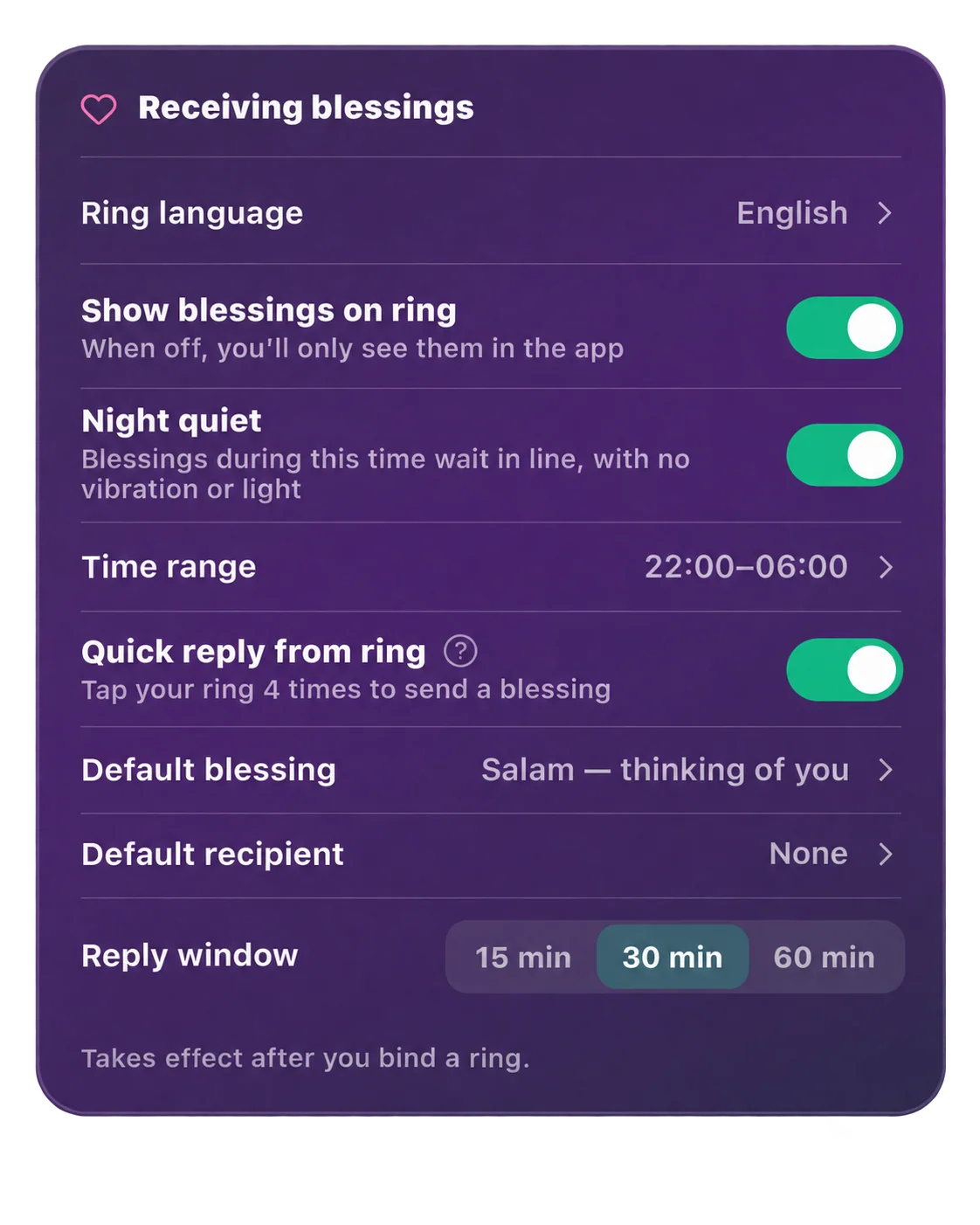
Set the ring language and choose whether blessings appear on the ring.
Set the ring language and choose whether blessings appear on the ring.
Set a quiet period. Blessings wait according to the app’s quiet-time settings.
Send a blessing
Across the miles
Send a thoughtful message to a connected family member through the app.

Everyday love
A LOVE message and a gentle vibration make your care felt.

A family hello
Whenever family comes to mind, there is a way to reach out.
Three simple steps
From your phone to their ring.

Connect in the app and check that their ring is compatible.
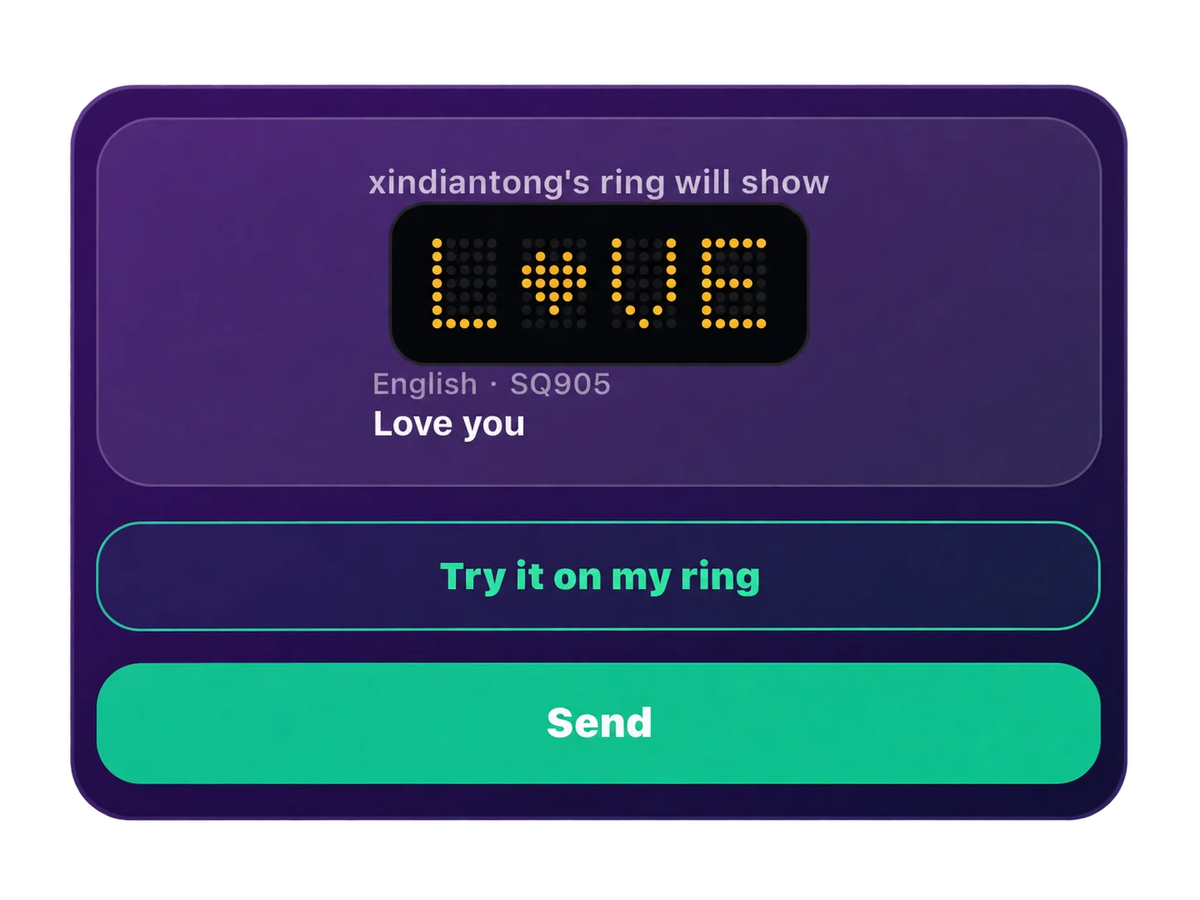
Choose a recipient and an available blessing, then send.
When connected as required, their ring displays the message and vibrates.
Use the app for your model. Features and connection requirements vary by device.
Find your ring
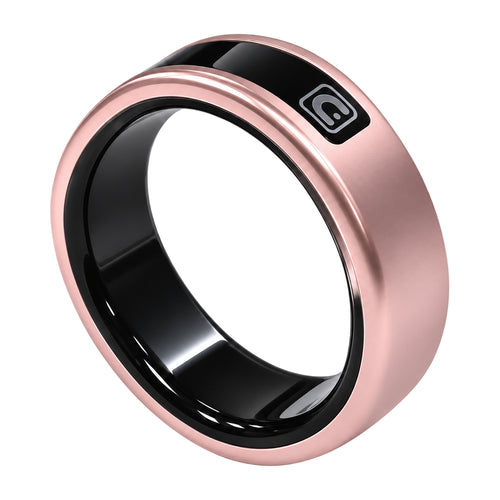
Up to 9,999 counts. English and Arabic prayer reminders. Portable charging case not included.
Explore this ringFeatures vary by model. Check the product details and app settings for your ring.
Find your size
What you can do, how it works, and where it fits into your day.
Select a connected family member and a blessing in Salam. Choices include SALAM, LOVE, MISS YOU, DUA, AMAN, MASHALLAH and SHUKRAN, with more occasions in a separate list. Preview the supported ring display before sending.
Received and Sent have separate lists. “Sent” records sending from the app; “Delivered to ring” reports ring delivery. Reply from a received message. Delivery depends on a compatible ring, enabled reception and its connection to the recipient’s phone.
Choose the ring language and turn Show blessings on ring on or off. With it off, blessings remain in the app. During your chosen Night quiet hours, incoming blessings queue without lighting or vibrating the ring.
After binding a compatible ring, enable Quick reply from ring. Set a default blessing and recipient, and select a 15-, 30- or 60-minute reply window. Four taps send a blessing using the supported quick-reply settings.