Comfort, through your day
A refined jewelry form designed for daily wear, with the sensor sitting securely against your finger.

S666
S666 combines a comfortable ring with dhikr, prayer reminders, sleep and health records, and personal insights in one app.
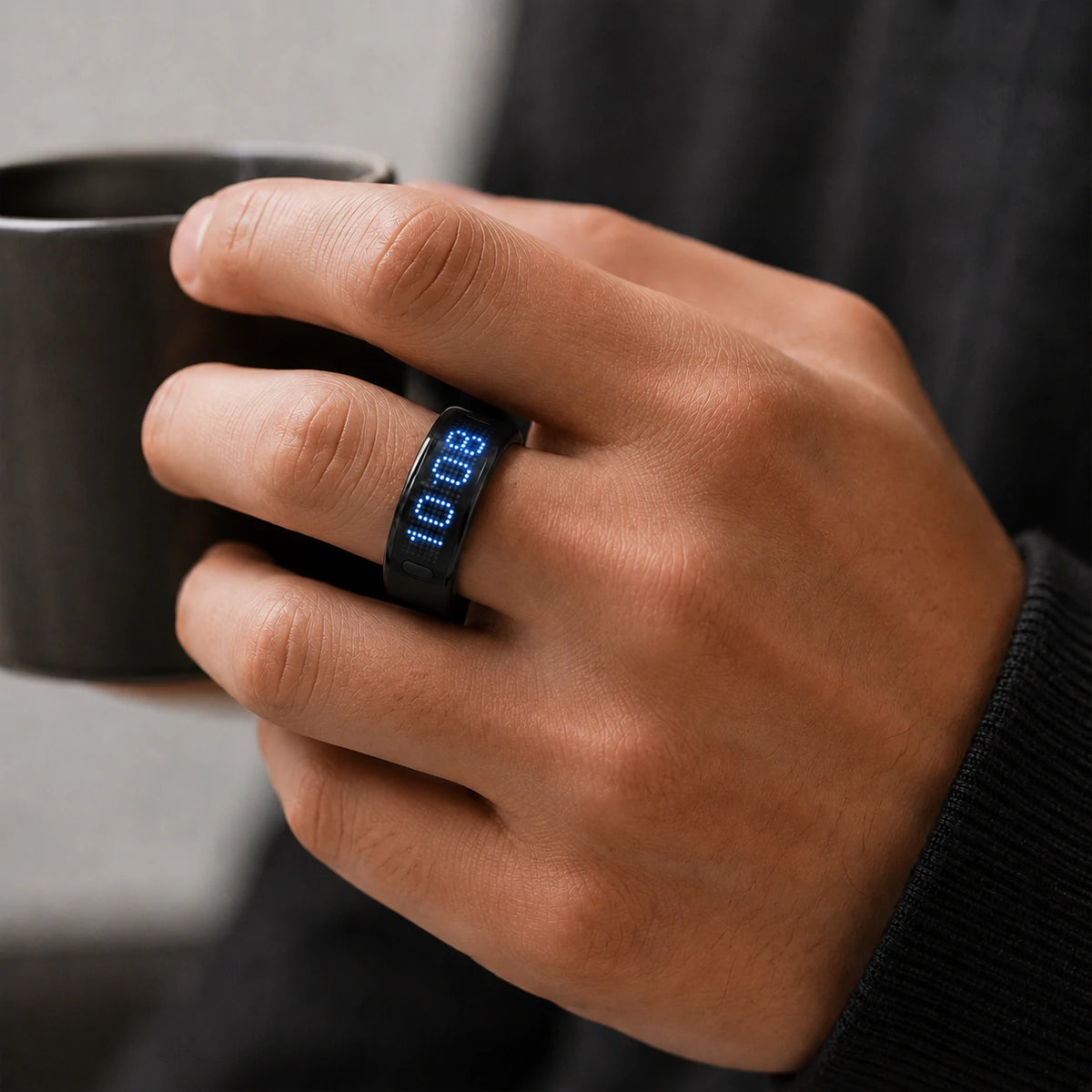
A refined jewelry form designed for daily wear, with the sensor sitting securely against your finger.
Review sleep, heart rate, blood oxygen, HRV and activity records in the companion app.
Review suggestions based on available sleep and activity data, then decide what fits your day.
S666 brings remembrance, prayer and health records together in a comfortable daily-wear ring.
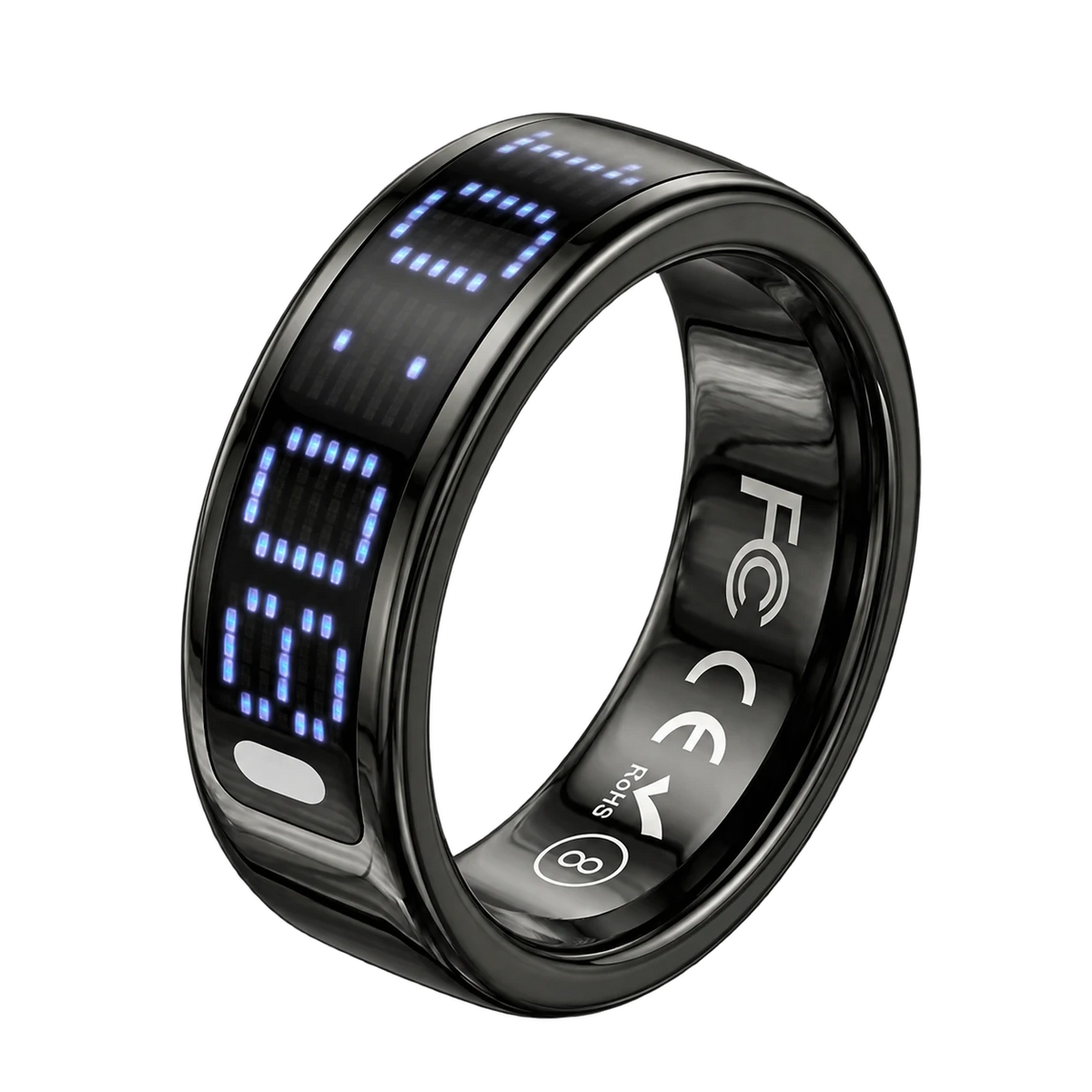

S666
S666 combines comfortable everyday wear with more capability inside. Keep the dhikr and prayer routine you value, then look beyond the count to your sleep, activity and health records.
How it works
Wear the ring with secure sensor contact, sync your records and use the app to look at your own patterns over time.
Choose a comfortable fit with the sensor against the finger pad, then connect in the companion app.
View sleep and activity, or start a supported heart-rate measurement. Open individual records for more detail.
Review the available suggestions. You decide what to change; advice does not automatically change your schedule.
Duration, timing and the available sleep-stage record.
Your recorded readings and their changes over time.
Supported SpO₂ readings and the recorded range.
Steps, activity duration, distance and estimated calories.
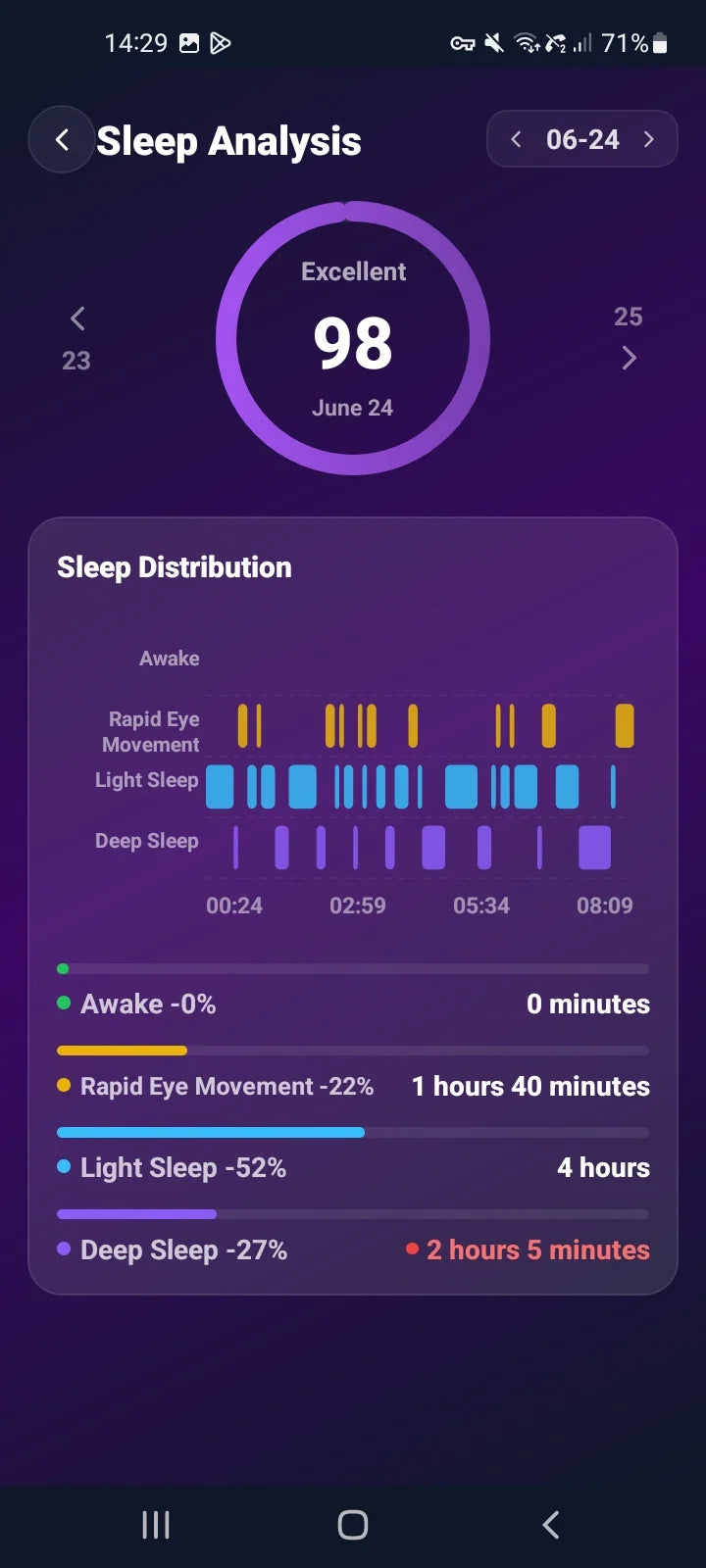
See sleep duration, start and end times, and recorded awake, REM, light and deep stages. Look back at previous nights to understand your pattern, rather than judging everything by one number.

Start and stop a heart-rate measurement in the app, review SpO₂ readings and see your HRV history. Pair these with daily activity records for a more complete view. These records support everyday wellbeing, not medical diagnosis.

Create dhikr tasks, choose milestones, review your history and set bilingual prayer reminders. On the ring, move between time, steps, timer and supported health views. The complete control guide below explains each gesture.

Use available sleep and activity records to read suggestions for rest and daily activity. Consider how you feel, choose what to try and control AI suggestions in the app.
App screens and available controls vary with the app and firmware version.
Explore all features & controls

Follow steps, activity time, distance and estimated calories, with daily progress and trends.

Start or stop a measurement, choose a date and review the readings recorded through your day.

Review recorded SpO₂, its trend and the available daily average, high and low readings.

Bring HRV history and trends into the picture alongside your daily habits.
Health records are for everyday reference, not medical diagnosis.

Review sleep duration and score, sleep and wake times, and the recorded sleep stages.
See awake, REM, light and deep sleep periods in the app’s sleep timeline.
Review nights alongside activity and HRV, without turning everyday readings into a diagnosis.
Choose a daily sleep reminder and its time. Look back across dates to find your own rhythm.
Sleep stages and scores are estimates shown in the app.

See the current round, completed rounds, today’s total and your accumulated dhikr.

Name a task, set a round target and choose supported vibration milestones. Activate it when you are ready.

Use dates and task filters to review session records and see how your routine grows.
Set your daily target, revisit your history and confirm before resetting a task.

See the next prayer, daily times, reminder switches and completion status.
Choose a city, browse dates and adjust individual prayer times. Manage time-format and reminder settings.

Read supported prayer reminders in English or Arabic on the dot-matrix display.

Open Qibla for your location, distance to the Kaaba and the direction to face.
Reminder settings depend on the installed app and firmware version.

Supported dhikr, sleep and wellness records provide context for personal suggestions.

Read AI suggestions based on the activity and sleep records available to the app.

Read the suggestions, then decide which small changes fit your own day.

Turn AI analysis on or off. Your daily dhikr target remains a choice you make yourself.
Suggestions use available records. You choose what to try.
Invite by email and see the family’s shared daily dhikr total.

Follow shared member progress, daily counts and streaks.
Create a family dhikr task with a name and a shared target, separate from your own task.
Manage the supported sharing options in Family settings.
Lifestyle imagery illustrates family use. S666 blessing delivery is not currently available.
iTasbeeh Salam
From a first count to the settings that make it yours. Explore the complete feature guide for this generation.
App screens and available controls vary with the app and firmware version.

S666
Wellness records are for everyday reference, not medical diagnosis.
Yes. S666 is in production and on sale. Its manual and technical product record use the model name SQ666. Check the product page for current options.
AI offers suggestions based on available records. You decide whether to follow them; it does not change your schedule automatically. Suggestions are for everyday wellbeing, not medical advice.
Remote blessing delivery is not enabled for S666 in the current app version. Check for availability after any app or firmware update.
Explore S666 and the features available for your daily routine.

